
Projects and moves · Moving to Microsoft 365
Moving to Microsoft 365: cloud migration services, with nothing lost.
Email and files from another provider or an old server, moved with nothing lost and nothing to explain twice.
Part of Concierge IT for Business · A project, quoted before the work starts
Cloud migration services and cloud migration consulting services in Winter Haven, Orlando, Tampa, St. Petersburg, and Miami.

Everything that matters moves. Nothing is explained twice.
Email, calendars, and contacts. Shared files and the folder structure people are used to. Teams, if you have it, and the apps that hang off it. Old mail that has to be kept for the rules. Whatever is on the server in the closet that still matters.
Does one person hold every admin password? Your IT person is leaving.
Two email systems to make into one, after buying a company? Buying or selling a business.
Before
- On the old provider, or on the server in the closet
- Files
- The shared drive, in the folders people are used to
- Old mail kept for the rules
- Wherever it ended up
- Teams
- Maybe, with the apps that hang off it
- Backup
- Whatever the old system kept
- The old provider
- Yours to sort out
The server in the closet, or a provider you have outgrown.
After
- Email, calendars and contacts
- Microsoft 365, the same mail where you left it
- Files
- The same folder structure, in Microsoft 365
- Old mail kept for the rules
- Moved with you, kept as long as the rules require
- Teams
- Teams, and the apps that hang off it, moved
- Backup
- A separate backup of everything from the first day, restorable to any point in time
- The old provider
- Our call to make. The old system stays until the last thing is confirmed moved
Friday to Monday, and nothing to explain twice.
Before and after the move
Press After to see where everything lands.
We look first: what you have, what is used, what is not, and what has to be kept. Then one date. Your people leave on Friday. On Monday, the same mail and the same files are where they left them, on the new system.
What people worry about
The four fears we hear before every move, and what is true. Press one.
How it runs
- We look first. What you have, what is used, what is not, and what has to be kept.
- One date. Your people leave on Friday. On Monday, the same mail and the same files are where they left them, on the new system.
- The old provider. We work with them on the handover, handle the cancellation, and keep the old system until the last thing is confirmed moved.
- Afterward. A separate backup of everything from the first day, restorable to any point in time.
Projects and moves
Eight services, one team that knows your setup.
How projects work
Quoted before the work starts.
Office moves
Stop Friday, start Monday.
You are here
Moving to Microsoft 365
Email and files moved, nothing lost.
Backup and recovery
A separate copy, restorable anytime.
Computers and equipment
Standard models, spare on our shelf.
Microsoft Azure
Servers without a server room.
Networks and Wi-Fi
Firewall, switches and Wi-Fi, as one.
Phones
In Teams, or working with it.
All of it inside Concierge IT for Business, $125 per person a month. Managed IT services · Pricing
Who you will know by name
Moved by the team that runs it afterward, so nothing is explained twice.




Chris Bridges and Javier Pereira, Concierge Leads, with Jonathan Jones and Chris Munoz. The whole company is behind them. Meet everyone →
They have a great team and are very attentive to getting you help. They know and understand urgency when contacted.
How it works
Three steps, and the team is yours.

A 30-minute call
Tell us what's working and what isn't. We'll tell you honestly if we fit.

Your first month
Day one, you meet your team by name. We look first: what you have, what is used, what has to be kept. The date is set, and your people leave on a Friday and start on a Monday.

Your team takes it from here
You reach out, and someone who knows you picks it up, usually within 15 minutes.
What it costs
A migration is quoted as a project before the work starts. Afterward, Complete.
One plan, $125 per person, per month. Everything we do is included.
Everyone starts here
Complete
$125per person, per month
Your team, security, devices, backup, planning and Microsoft 365 care, from the Monday after the move, with your licenses as their own lines.
For regulated practices
Security + Compliance
+$30per person, per month
For offices working to HIPAA, the FTC Safeguards Rule or CJIS.
For the people who use it
Copilot, AI for work
+$30per person, per month
Microsoft Copilot set up safely, only for the people who need it.
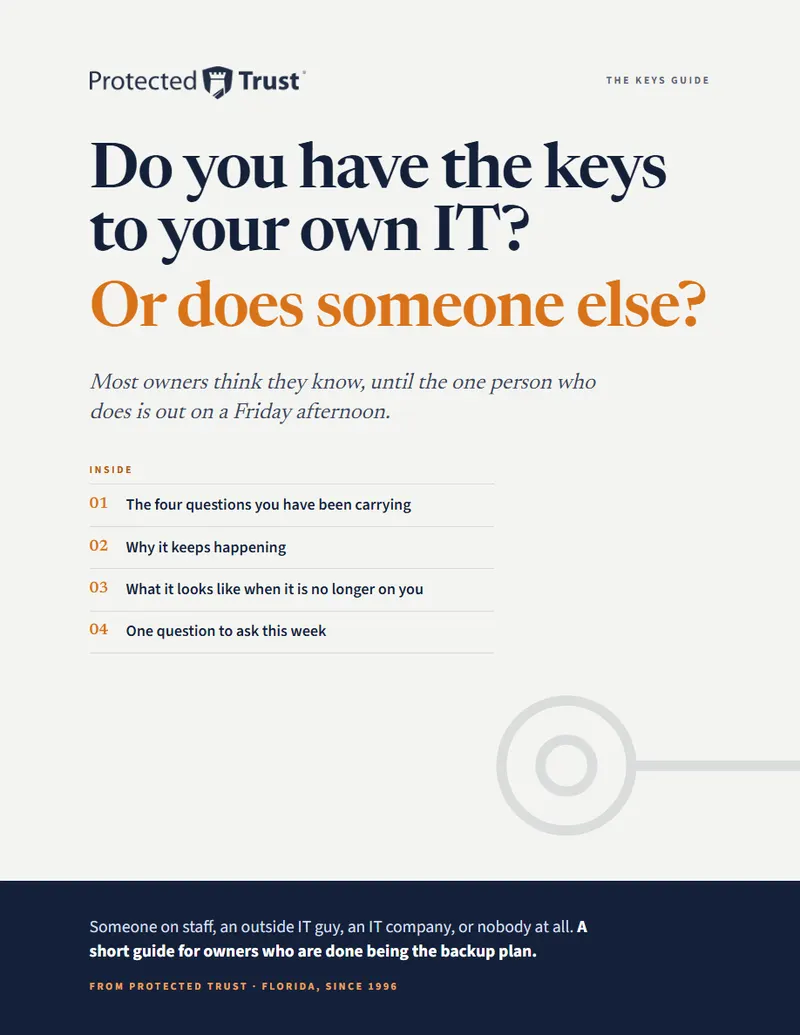
Not ready to talk yet?
Do you have the keys to your own IT? Or does someone else?
Most owners think they know, until the one person who does is out on a Friday.
Leah writes to you once, by name. Nobody adds you to a list.
Questions people ask
Plain answers.
What do cloud migration services include?
The look first; the move of email, calendars, contacts, files and Teams on one date; the call to the old provider; and the separate backup from the first day. The price is written before the work starts, and after the move the day-to-day changes are part of Concierge IT for Business at $125 per person, per month.
Will we lose old email in a migration?
No. Old mail, calendars, and contacts move with you, including the mail you have to keep for the rules. Protected Trust keeps the old system until the last thing is confirmed moved.
Do we have to tell our current provider we are leaving?
No. Protected Trust makes the call, handles the cancellation, and keeps both systems running until the move is confirmed.
How long does a move to Microsoft 365 take?
Planning takes a few weeks. The move itself happens over one weekend: your people leave on Friday and start Monday with everything where they left it.
What does a migration cost?
A migration is quoted as a project before the work starts. Afterward, day-to-day changes are included in your plan and your Microsoft licenses are billed as their own lines.
Which license will we be on after the move?
On Concierge IT plans, Microsoft 365 Business Premium for each person, billed as its own line at Microsoft's published price. People who work from a phone or a shared tablet use F3.
Thirty minutes with a real person.
Tell us where your email and files live today. We'll tell you honestly what the move would take.
Pick a time Or call 863-594-1141
Opens our booking calendar in a window.