
Managed IT · Copilot, AI for work
Copilot, AI for work: switched on with your data protected first.
Copilot is Microsoft's AI assistant inside Word, Outlook, Excel, and Teams. It drafts, summarizes, and finds things, and it can read anything a person can reach. Before it turns on, we make sure what each person can reach is right.
Part of Concierge IT for Business · +$30 per person who uses it, plus the Copilot license
AI readiness assessment service and Copilot integration services in Winter Haven, Orlando, Tampa, St. Petersburg, and Miami.
A shared folder Copilot could read
Most companies have files shared more widely than anyone remembers. Copilot will find them.
Copilot sits inside the Microsoft 365 your people already use. In Outlook it drafts a reply and catches you up on a long thread. In Word it writes the first draft from your notes. In Excel it answers a question about the numbers. In Teams it tells you what you missed in the meeting.
It can read anything a person can reach. So before it turns on, the first step is a readiness project: permissions reviewed, oversharing fixed, sensitive files labeled, and a written AI use policy for your staff. Then Copilot turns on for the people who will use it, introduced by your team rather than by a link in an email.
Company files, as Copilot would see them
Press a numbered part to see what it means.
Shared more widely than anyone remembers. Copilot would find every file in it. Permissions are reviewed and fixed before it turns on.
Sensitive, and unlabeled. A label protects it wherever it goes, and keeps it out of an answer it should not be in.
An old link still open. Reviewed and closed.
The written policy for your staff: what Copilot may be used for, and what never goes into a consumer AI tool.
Before it turns on
Six things in place first. Tick what is already true at your office.
The readiness project does whatever is not ticked, once, quoted with your setup.
Your score
0 of 6
answered yes, with the proof in hand
Most offices start here. The readiness project does all of it, once, before Copilot can find anything.
After it is on, it stays safe.
- Quarterly access reviews, so the permissions stay right as people and projects change.
- A watch for company data ending up in consumer AI tools.
- AI agents held to the same rules as your people, with everything they do logged and searchable.
- Help for the people who are stuck. We can see who is using it and who is not, and we work with the ones who are not.
Copilot can see only what a person can already reach. That is why permissions come first, and why access is reviewed every quarter so it stays right. You add it for the people who will use it and nobody else, and you can change the list any month.
Managed IT
Eight services, one team that knows your setup.
Managed IT services
The whole plan, $125 per person.
IT support
When something is wrong.
Co-managed IT
You lead. We carry the load.
Microsoft 365
Kept simple, even the licensing.
Planning and strategy
Next year's plan, with a budget.
You are here
Copilot, AI for work
Switched on, your data protected first.
Small business IT support
IT services company
All of it inside Concierge IT for Business, $125 per person a month. Managed IT services · Pricing
Who you will know by name
Introduced by people who know your business, not by a link in an email.




Chris Bridges and Javier Pereira, Concierge Leads, with Jonathan Jones and Chris Munoz. The whole company is behind them. Meet everyone →
Chris Munoz is always ready to help, provide guidance, quick to respond, quick to act and support when an issue occurs.
How it works
Three steps, and the team is yours.

A 30-minute call
Tell us what's working and what isn't. We'll tell you honestly if we fit.
Your first month
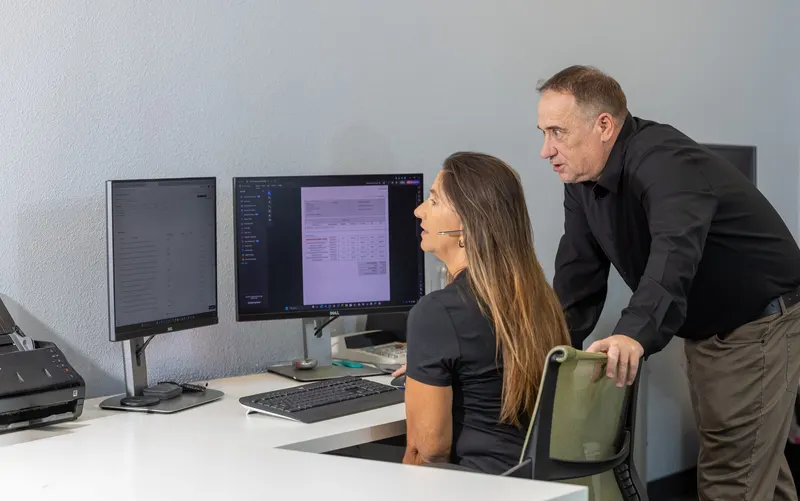
Day one, you meet your team by name. The readiness project runs in the first weeks: permissions reviewed, oversharing fixed, files labeled, the policy written. Then Copilot turns on for the people who will use it.

Your team takes it from here
You reach out, and someone who knows you picks it up, usually within 15 minutes.
What it costs
Copilot is an add-on for the people who use it, on Complete or on the Essentials plans.
One plan, $125 per person, per month. Everything we do is included.
Everyone starts here
Complete
$125per person, per month
Your team, security, devices, backup, planning and Microsoft 365 care. Copilot is added to it for the people who use it.
For regulated practices
Security + Compliance
+$30per person, per month
For offices working to HIPAA, the FTC Safeguards Rule or CJIS.
For the people who use it
Copilot, AI for work
+$30per person, per month
Microsoft Copilot set up safely, with your data protected first, for the people who write, read and sort a lot every day. Plus the Copilot license from Microsoft.
Not ready to talk yet?
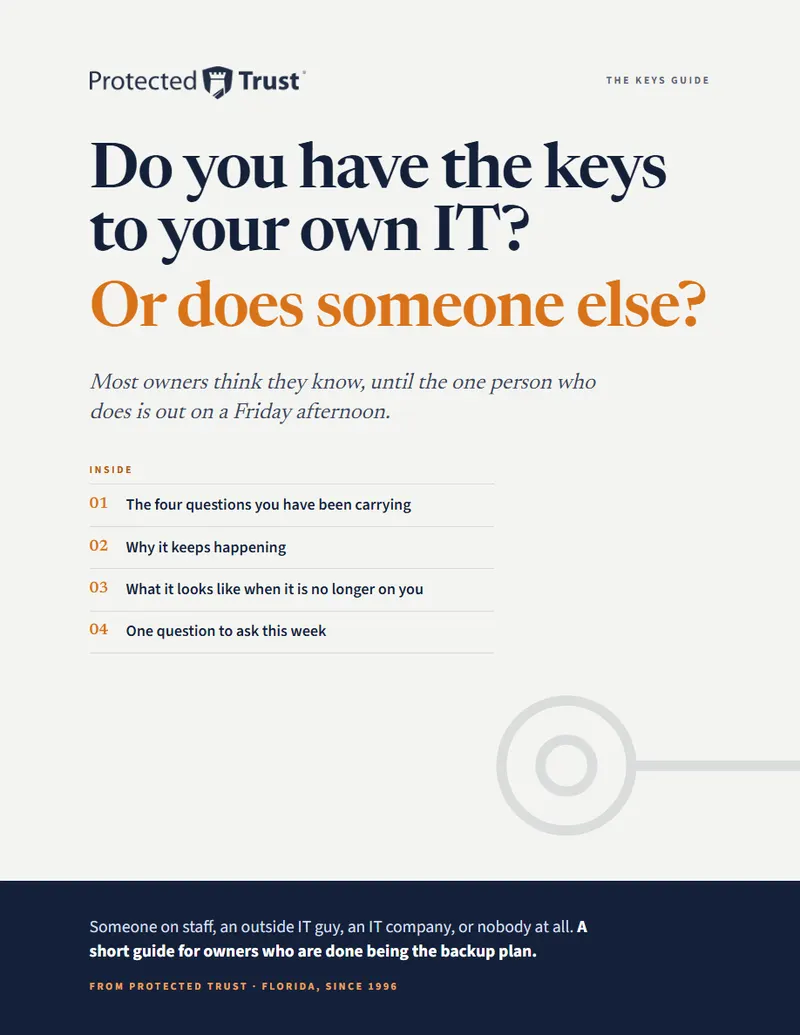
Do you have the keys to your own IT? Or does someone else?
Most owners think they know, until the one person who does is out on a Friday.
Leah writes to you once, by name. Nobody adds you to a list.
Questions people ask
Plain answers.
Do we need Copilot for everyone?
No. Microsoft Copilot is for the people who write, read, and sort a lot every day. You add it for them and nobody else, and you can change the list any month.
What does the Copilot readiness project do?
It finds what is shared more widely than anyone remembers and fixes it before Copilot can find it: permissions reviewed, sensitive files labeled, and a written AI policy for your staff.
Can Copilot see things it should not?
Copilot can see only what a person can already reach. That is why permissions come first. After it is on, Protected Trust reviews access every quarter so it stays right.
What does Copilot cost?
$30 per person, per month, plus the Copilot license from Microsoft, for the people who use it. The readiness project is one time, quoted with your setup.
What does an AI readiness assessment cover?
Who can reach what in your Microsoft 365, the files shared more widely than anyone remembers, the sensitive files that need a label, and a written AI use policy for your staff, in a report you keep. It is done once, before Copilot turns on.
What does Copilot consulting with Protected Trust include?
The readiness project before it turns on, the setup for the people who will use it, introduced by your team, and the quarterly access reviews and the watch afterward. The project is quoted once with your setup; the rest is part of the plan.
Thirty minutes with a real person.
Tell us who would use Copilot at your office. We'll tell you honestly what to fix before it turns on.
Pick a time Or call 863-594-1141
Opens our booking calendar in a window.