
The sender
The display name against the real address, and the domain against lookalikes one letter off.
Security + Compliance · Email security
Attachments and links are checked before you open them. Impersonation is blocked before it reaches the inbox.
Part of Concierge IT for Business · Included in $125 per person
Every attachment and link is opened first in a safe place, before it reaches you. The message that looks like it is from your CFO asking for a wire, or from a vendor with a new bank account, is caught by the patterns attackers use. Spam and malware are filtered without burying the mail you need, sign-ins are watched, and the mail itself is archived and backed up separately.
With Security + Compliance the scanning goes deeper: stolen credentials and impersonation are caught across cloud apps and identities, and risky sign-ins are blocked automatically even when the password is right.
Pick an email
Examples of how it works, not a real inbox.
What happens to it
What happens to it
What happens to it
What happens to it
What is checked
The display name against the real address, and the domain against lookalikes one letter off.
Opened first in a safe place, before it reaches you.
Opened first in a safe place. If it is bad, you never see it.
A CFO asking for a wire, a vendor with a new bank account: caught by the patterns attackers use.
A login from a place or a device that makes no sense is seen by the security operations center, and acted on.
Kept as long as the rules require, and backed up separately, restorable to any point.
Security + Compliance
In every plan, not an upgrade.
HIPAA, FTC Safeguards, CJIS, with proof.
The renewal questionnaire, answered truthfully.
Short, regular, with practice phishing.
You are here
Checked before anyone opens it.
Private messages, straight from Outlook.
All of it inside Concierge IT for Business, $125 per person a month. Managed IT services · Pricing
Who you will know by name




Chris Bridges and Javier Pereira, Concierge Leads, with Jonathan Jones and Chris Munoz. The whole company is behind them. Meet everyone →
One example that says a lot about their commitment happened on a Friday night when our CEO’s mailbox had a critical issue. Instead of pushing it to the next business day, their team stayed late on a Friday night and worked with us until the issue was completely resolved.
How it works

Tell us what's working and what isn't. We'll tell you honestly if we fit.
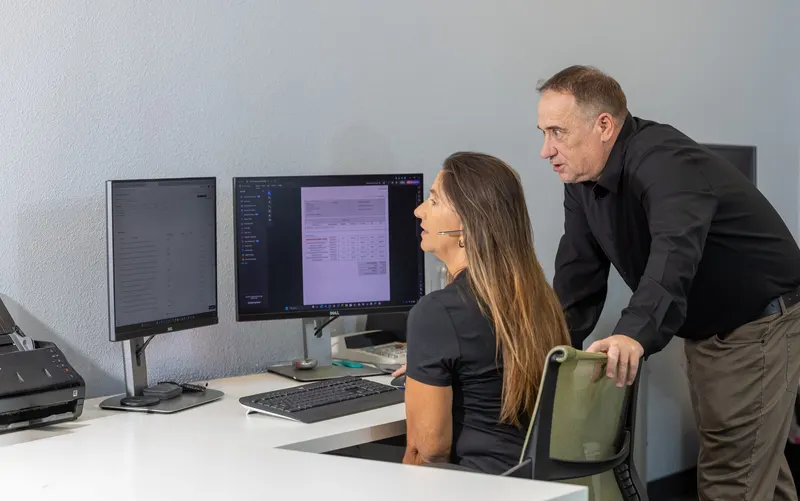
Day one, you meet your team by name. Within the first weeks every mailbox has the checks in front of it, the sign-in watch is on, and the archive is running.

You reach out, and someone who knows you picks it up, usually within 15 minutes.
What it costs
One plan, $125 per person, per month. Everything we do is included.
Everyone starts here
$125per person, per month
Your team, security, devices, backup, planning and Microsoft 365 care. Every attachment and link checked before it reaches you, with the security operations center behind it.
For regulated practices
+$30per person, per month
For offices working to HIPAA, the FTC Safeguards Rule or CJIS.
For the people who use it
+$30per person, per month
Microsoft Copilot set up safely, only for the people who need it.
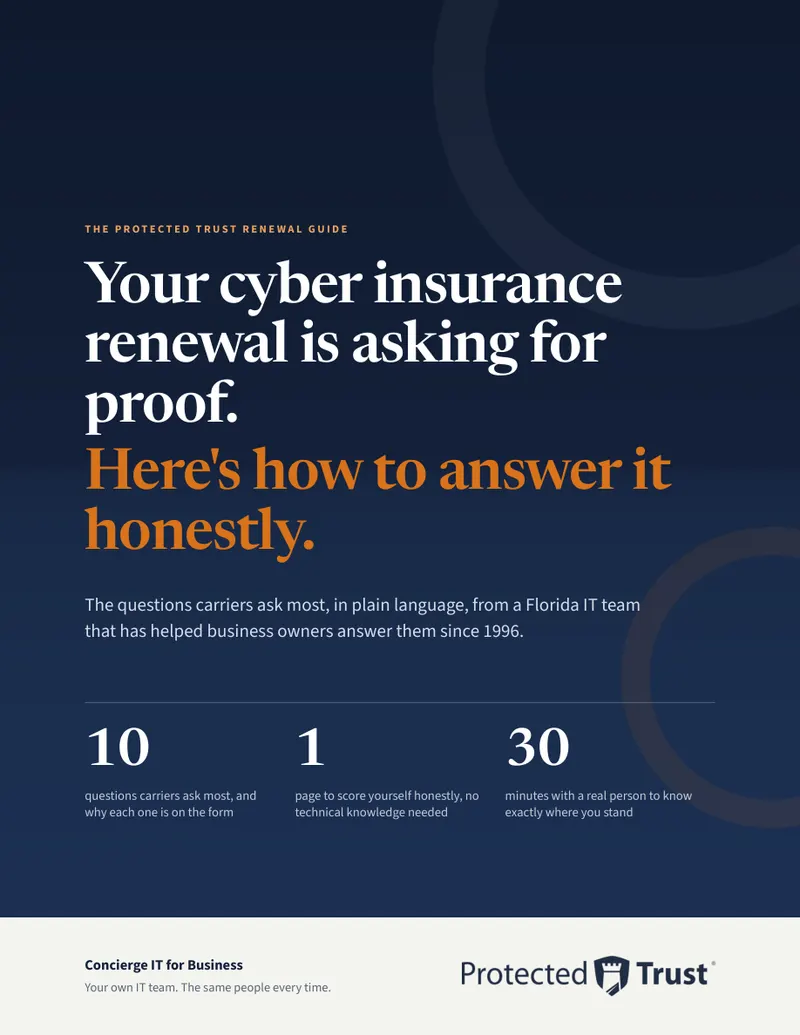
Not ready to talk yet?
The ten questions carriers ask most, in plain language, why each one is on the form, and one page to score yourself honestly.
Leah writes to you once, by name. Nobody adds you to a list.
Questions people ask
Rarely, and when it does you can release it yourself or ask your team. The filters are tuned for your business, not set once and forgotten.
Impersonation checks that look at the patterns attackers use: a display name that does not match the sender, a vendor's new bank account, a domain one letter off. The message is blocked before it reaches the inbox.
The sign-in is watched. A login from a place or a device that makes no sense is seen by the security operations center and stopped. With Security + Compliance it is blocked automatically, even when the password is right.
Yes. Phishing protection and sign-in protection are the baseline on every Protected Trust plan. The security operations center and the rest come with Concierge IT.
Every attachment and link opened first in a safe place, impersonation checks, spam and malware filtering, a watch on sign-ins, and archiving. It is cloud email security, set up on your Microsoft 365, with nothing to install on each computer.
It stops most of what arrives. The watch on sign-ins catches what gets through: a password typed into a fake page is no use to anyone when the sign-in from a strange place is stopped.
Tell us what lands in your inbox that should not. We'll tell you honestly if we fit.
Pick a time Or call 863-594-1141
Opens our booking calendar in a window.